
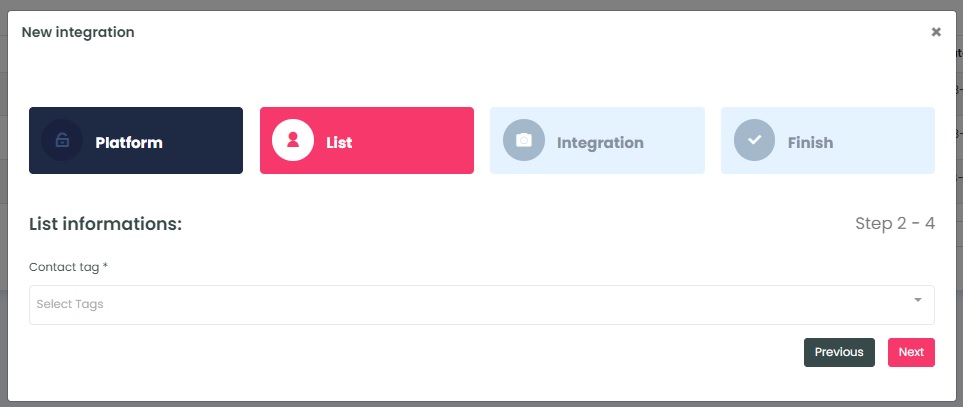
InboxGeek loads the tags from your connected HighLevel account. Choose the tag on the contacts you want InboxGeek to work with, then click Next. This is your source list. It is different from the Reception Tag you choose in the next step, which InboxGeek adds to contacts.
It is recommended to have at least 30,000 contacts tagged. If fewer than 15,000 contacts are integrated, it is unlikely to see any results from your integration.
Tip: to check how many contacts have that tag, filter a Smart List by the tag in HighLevel (Contacts → Smart Lists).
Do not rename or delete this tag in HighLevel while the integration is running; renaming or deleting tags can affect integrations that depend on them.
InboxGeek will move you to the next tab, Integration.