
Important: native AWeber connections are no longer available. AWeber closed InboxGeek’s developer access on April 27, 2026, so new AWeber platforms cannot be connected with the steps below. If you already have an AWeber connection that still works, you can keep using it for now. For a new setup, use the Webhook integration, or email [email protected] for help.
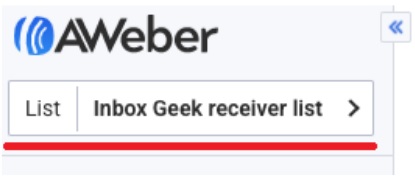
Login to your AWeber account. Before creating the new campaign, be certain that you are in your receiver list you chose during integration.
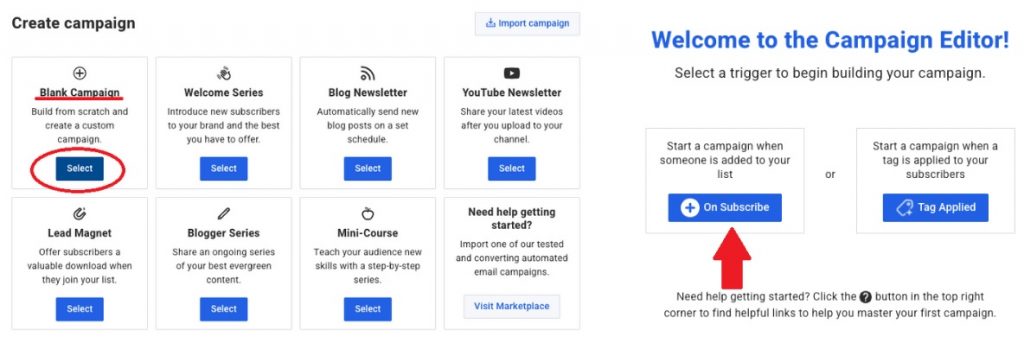
Go to Automations → Campaigns → Create Campaign → Blank Campaign → On subscribe
Drag your re-engagement email to the workspace and complete the campaign as desired.

Turn it on: After you finish building, save your changes and publish / enable / turn on the automation, workflow, journey, or flow in your ESP. A saved draft that is not turned on will not send. Then send a test from InboxGeek if available: LiveOpens → Integrations → Actions → Send Test Flow.