
Important: native AWeber connections are no longer available. AWeber closed InboxGeek’s developer access on April 27, 2026, so new AWeber platforms cannot be connected with the steps below. If you already have an AWeber connection that still works, you can keep using it for now. For a new setup, use the Webhook integration, or email [email protected] for help.
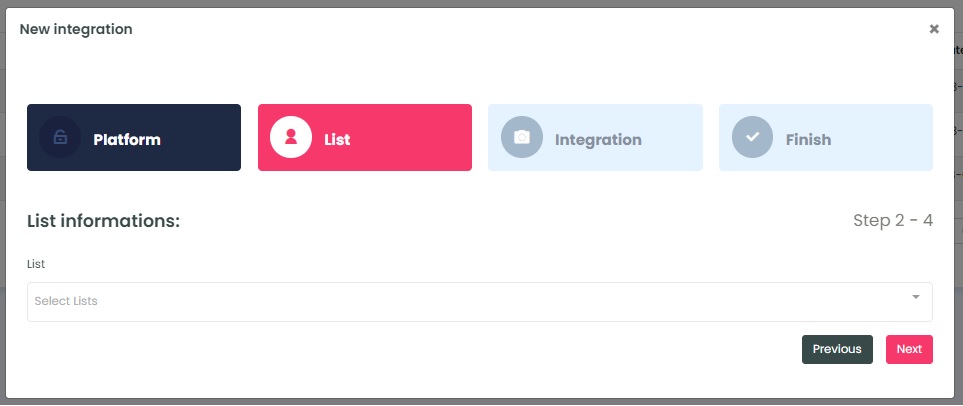
The InboxGeek system will retrieve all of the lists in your AWeber account. In order for your integration to perform, a list size of at least 30k is recommended. If a list size of under 15k is integrated, it is unlikely to see any results from your integration.
Select the list that you’ve created/chosen to use with InboxGeek and click Next.
NOTE: You cannot use tags for this step. If you have tagged contacts that are within a larger list, you must move them to their own list before completing your integration.
InboxGeek will move you to the next tab, Integration.